


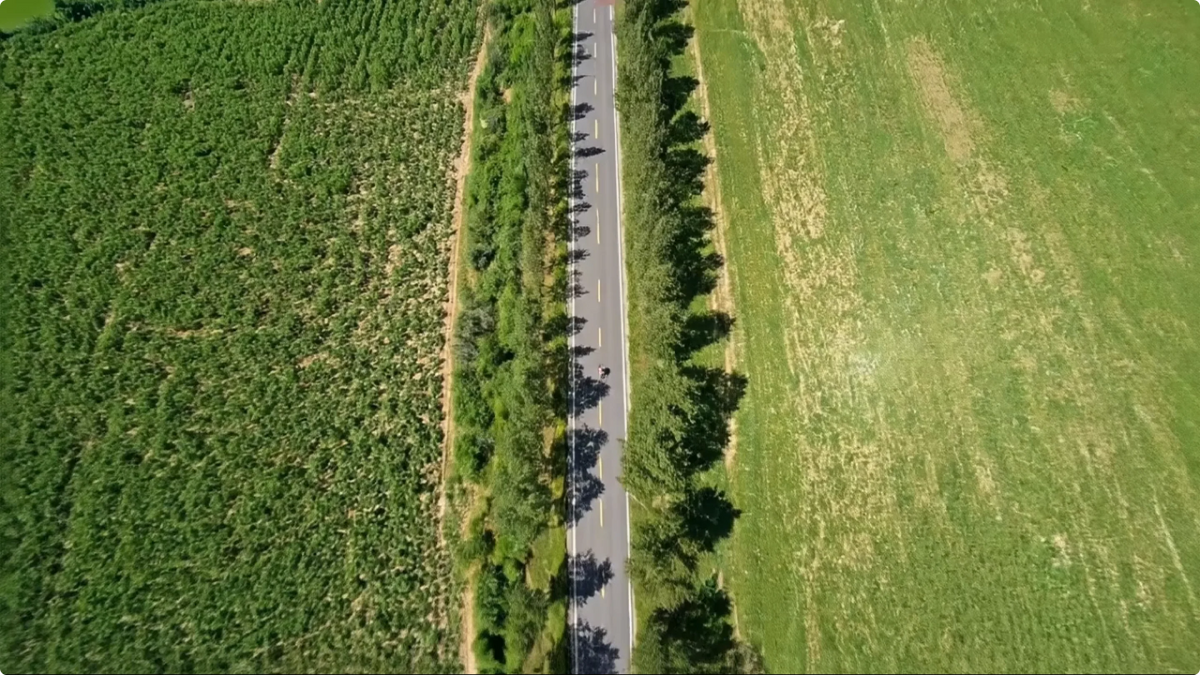
A first-person clip can show exactly where the ride went, yet still feel visually flat. AI Master Camera Movement gives selected Rover footage a more dynamic creative treatment after capture, helping creators shape a shareable edit without changing what the original recording was for.
AI video editing tools are most useful when they solve a specific finishing problem. In a raw POV clip, the rider's head movement, a long straight, or a single viewpoint can make an exciting moment feel static on screen. Rover AI Master Camera Movement adds another way to guide attention in a creative sports edit.
Why raw POV footage can feel flat
POV recording is valuable because it follows the rider's experience. It can also be repetitive when every section uses the same visual language. A descent, city ride, or scenic stretch may contain the right story but need more rhythm before it works as a short social video or recap.
The feature is designed for that post-capture layer. It is not a claim that AI can replace a good camera angle, 3K recording, stabilization, or a strong moment. The original footage still supplies the substance; the movement treatment helps shape the presentation.


Use AI camera movement as a creative editing choice
A practical workflow is simple: capture the ride, find a section worth keeping, then test whether a more dynamic camera language improves the edit. The effect can help a short clip feel more intentional, connect two moments, or give a route story a stronger sense of motion.
It works best when the source already has a clear subject. If the original clip is poorly framed or does not contain a useful moment, an effect cannot invent the story. That is why AI Master Camera Movement belongs alongside, not above, the fundamentals of good capture.
Creative editing is not factual recording
Keep the boundary clear. A movement effect is for creative edits, social videos, and sports storytelling. For route documentation, safety review, incident questions, or any situation where the scene must remain as recorded, keep and use the original footage instead of relying on an edited version.
FAQ
Is AI Master Camera Movement a recording mode?
It is better understood as a post-capture creative editing feature for selected first-person sports clips, not a replacement for the original recording.
Does it replace good framing or stabilization?
No. Strong source footage still matters. The feature adds a creative motion treatment after capture; it does not make weak framing or rough footage reliable.
Should edited footage be used as safety evidence?
No. Keep the original, clear recording for documentation, route review, or safety-related questions. Use AI movement for creative edits and social videos.


